




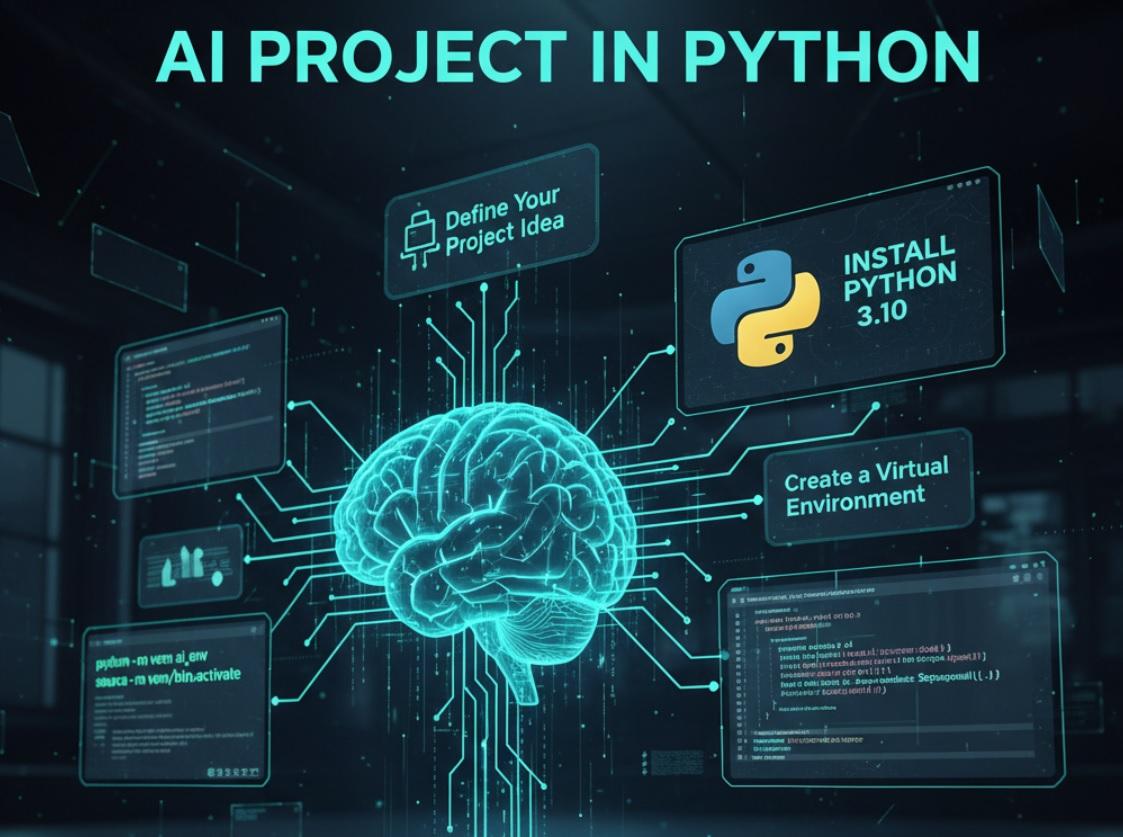
If you've just finished a Codecademy course or are thinking about taking one, check out our Codecademy review this guide will help you start your first real Python project. You don't need a computer science degree, just curiosity, a computer, and the willingness to try.
Why Start With a Small Project?
Big ideas are exciting, but they can quickly become overwhelming. A small, focused project helps you practice what you've learned without getting lost. You'll build confidence, spot gaps in your knowledge, and create something you can actually finish-and maybe even show to others.
Think of your first project like your first bike ride. You don't start by racing down a mountain. You find a flat street, put on a helmet, and pedal slowly. That's how learning works.
Step 1: Pick a Simple Idea You Care About
Your project should solve a tiny problem or explore something that interests you. It doesn't have to change the world. It just has to matter to you.
Here are a few beginner-friendly ideas:
- A program that reminds you to drink water every hour
- A script that sorts your downloads folder by file type
- A quiz game about your favorite movie or book
- A tool that fetches today's weather for your city
- A password strength checker
Choose one that sounds fun. If you enjoy cooking, maybe build a recipe selector. If you love music, try a playlist organizer. Passion keeps you going when the code gets tricky.
Step 2: Set Up Your Workspace
Before you write a single line of code, make sure your tools are ready. You'll need:
- Python installed - Go to python.org and download the latest version. Make sure to check "Add Python to PATH" during installation.
- A code editor - VS Code, PyCharm Community, or even Sublime Text work great. Pick one and stick with it for now.
- A folder for your project - Create a new folder on your desktop or in your documents. Name it something like "my_first_python_project."
Open your code editor and create a new file inside that folder. Save it as main.py. This will be your starting point.
Step 3: Break the Project Into Tiny Tasks
Big projects feel scary. Small tasks feel doable. Take your idea and split it into the smallest possible steps.
For example, if you're building a weather checker:
- Ask the user for their city name
- Send a request to a weather service
- Get the temperature from the response
- Print a friendly message like "It's 22°C in London today!"
Focus on one step at a time. Don't worry about the whole thing yet. Just get step one working. Then move to step two.
Step 4: Use What You Already Know
You've learned loops, conditionals, functions, and maybe even a bit about files or APIs on Codecademy. Trust that knowledge.
If your project needs user input, use input(). If you need to repeat something, use a for or while loop. If a piece of code does one clear job, wrap it in a function.
Example: a water reminder might look like this:
import time

def remind_to_drink():
print("Don't forget to drink water!")

while True:
time.sleep(3600) # Wait 1 hour
remind_to_drink()
That's it. Simple. You don't need fancy libraries for everything.
Step 5: Add External Tools Only When Needed
Python has thousands of free libraries. But don't reach for them too early. First, try solving the problem with basic Python.
Only when you hit a wall should you look for help. For example:
- Need to download data from the web? Use the
requestslibrary. - Working with dates or times in a complex way? Try
datetime(it's built-in). - Parsing JSON data? Python has a
jsonmodule ready to go.
To install a library like requests, open your terminal or command prompt and type:
pip install requestsThen, in your Python file, add:
import requestsNow you can use it. But remember: every new tool adds complexity. Use them wisely.
Step 6: Test as You Go
Don't wait until the end to see if your code works. Test after every small change.
Print values to the screen. Check if your variables hold what you expect. If something breaks, you'll know exactly where it happened.
For instance, if you're fetching weather data:
response = requests.get(url)
print(response.status_code) # Should be 200 if it worked
print(response.text) # See what the server sent back
These little checks save hours of frustration later.
Step 7: Handle Errors Gracefully
Things will go wrong. The internet might be down. The user might type "New York" instead of "NewYork." Your program shouldn't crash-it should respond politely.
Use try and except to catch problems:
try:
city = input("Enter your city: ")
temp = get_weather(city)
print(f"It's {temp]°C in {city] today!")
except:
print("Sorry, I couldn't find that city. Try again.")
This makes your project feel more complete-and more human.
Step 8: Make It Yours
Once the basic version works, add your own touch. Change the colors in the output. Add a fun message. Let the user choose between Celsius and Fahrenheit.
Personalization turns a classroom exercise into something you're proud of. It also teaches you how to think like a creator, not just a coder.
Step 9: Share It (Even If It's Simple)
When you're happy with your project, show it to someone. Post it on GitHub. Share it in a forum. Tell a friend.
You'll get feedback. You might inspire someone else to start. And you'll prove to yourself that you can build real things.
Don't worry about it being "perfect." Every expert started with a messy first project. What matters is that you finished it.
Common Mistakes to Avoid
Even smart beginners fall into these traps. Watch out for them:
Trying to Build Too Much at Once
Start with the core feature only. Add extras later. A weather app that shows just the temperature is better than one that crashes trying to show wind speed, humidity, and sunrise time.
Copying Code Without Understanding It
It's fine to look up examples, but type the code yourself. Ask: "Why does this line exist? What happens if I remove it?" Understanding beats speed.
Ignoring Error Messages
Python's error messages are trying to help you. Read them carefully. They often tell you the exact line where things went wrong-and what kind of mistake you made.
Not Saving Your Work
Save your file often. Better yet, use Git to track changes. Even a simple git commit -m "working version" can save you if you break something.
What to Do After Your First Project
Congratulations-you've built something real! Now what?
- Improve it - Add one new feature. Fix a bug. Make the output prettier.
- Build another - Try a different idea. Each project teaches you something new.
- Read other people's code - Look at simple projects on GitHub. See how others solve problems.
- Join a community - Reddit's r/learnpython, Discord servers, or local meetups can keep you motivated.
Learning doesn't stop after the first win. It accelerates.
Conclusion
You don't need permission. You don't need to know everything. You just need to open your editor, write three lines of code, and run it.
Your first project won't be perfect. It might not even work the first time. But it will be yours. And that's worth more than any tutorial.
So choose an idea. Set up your folder. Write your first function. Hit "run."
Today is the day you stop learning in theory and start building in practice.


