




You've probably seen Grammarly pop up while typing an email, drafting a social media post, or working on a school assignment. It promises to catch typos, fix grammar mistakes, and even suggest better word choices. But does it really deliver? And is the free version enough, or do you need to pay for the premium plan?
In this honest, hands-on review, we'll break down exactly what Grammarly does well-and where it falls short.
What Is Grammarly?
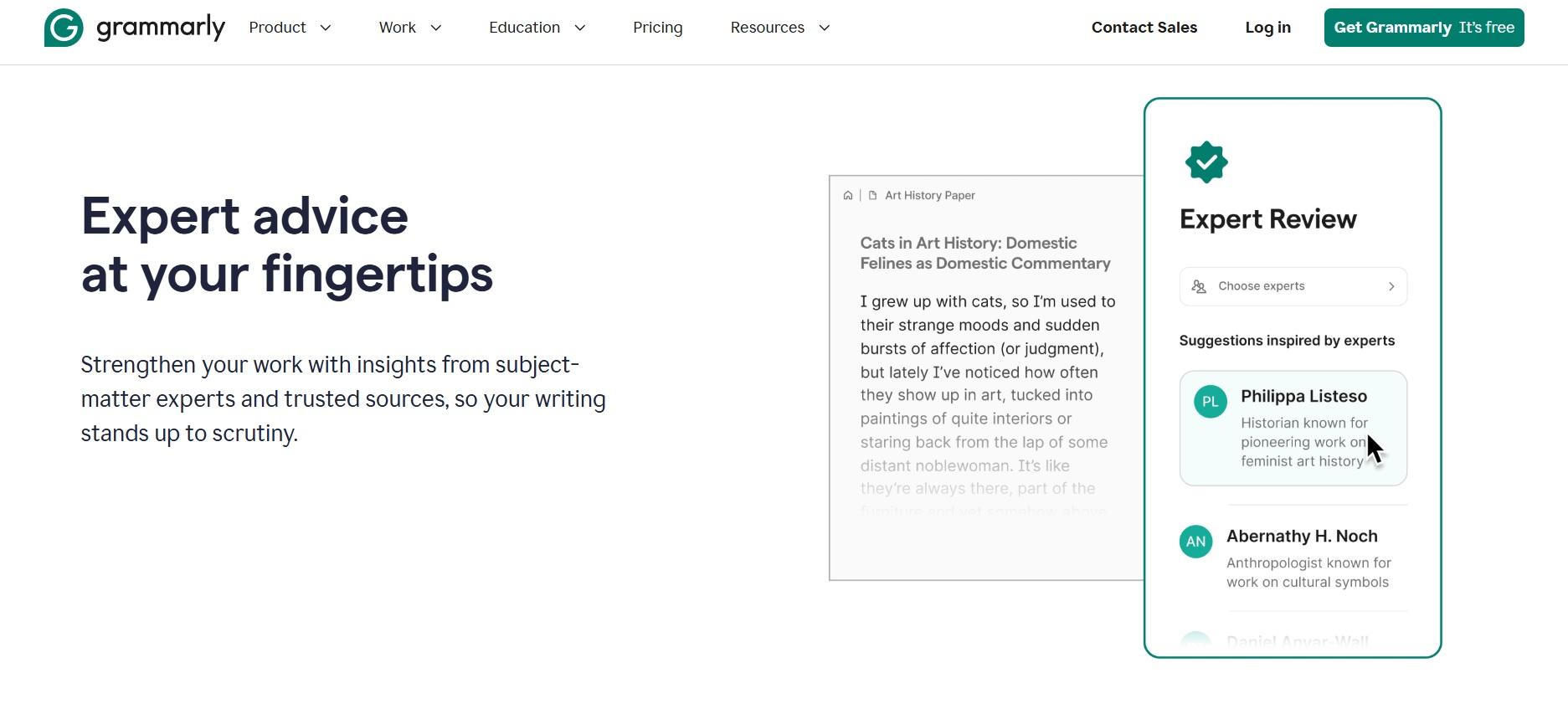
Grammarly is a digital writing assistant. It works as a browser extension, a desktop app, and a mobile keyboard. As you type, it scans your text and highlights possible errors in spelling, punctuation, grammar, tone, and clarity. You see suggestions in real time and can accept or ignore them with a click.
It's designed for students, professionals, bloggers, job seekers-anyone who writes in English and wants to sound clearer and more polished. You don't need to be a native speaker to benefit, though it works best with standard English.
How We Tested Grammarly
We used both the free and premium versions of Grammarly daily for over three months. We wrote work emails, LinkedIn posts, college essays, cover letters, and casual messages. We also tested it on different platforms: Chrome, Microsoft Word, Gmail, Google Docs, and the iPhone keyboard.
Our goal was to see how accurate it is, how helpful the suggestions really are, and whether paying for premium adds enough value to justify the cost.
Grammarly Free vs. Premium: What's the Difference?
Grammarly offers two main tiers: Free and Premium. The free version covers the basics. Premium unlocks deeper checks for style, tone, wordiness, and advanced grammar.
Both versions check for spelling and basic punctuation. But only Premium analyzes sentence structure, formality, inclusivity, and engagement. It also offers genre-specific goals-like "academic," "business," or "creative"-so suggestions match your purpose.
Grammarly Free: What You Get
The free plan is surprisingly capable. It catches obvious typos like "teh" instead of "the." It flags missing commas, subject-verb agreement errors ("She go" → "She goes"), and misplaced apostrophes ("its" vs. "it's").
It also gives a quick readability score and highlights long or complex sentences. For everyday writing-like texting a friend or posting on social media-it's more than enough.
Pros of Grammarly Free:
- No cost-works right after sign-up
- Real-time spelling and basic grammar checks
- Works in most browsers and apps
- Simple, unobtrusive interface
Cons of Grammarly Free:
- No suggestions for tone or clarity
- Misses subtle grammar issues (like comma splices)
- Can't set writing goals or style preferences
- No plagiarism checker
Grammarly Premium: Is It Worth the Price?
Premium costs $12 per month if billed monthly, or about $6.75 per month if you pay annually. That's not cheap, but it adds powerful features-especially if you write often for work or school.
One standout is the tone detector. It tells you whether your message sounds friendly, confident, polite, or abrupt. This is huge when writing professional emails. You might think you're being clear, but Grammarly could reveal your tone comes across as harsh or vague.
Premium also rewrites awkward sentences. For example, it changes "Due to the fact that it was raining, we stayed inside" to "Because it was raining, we stayed inside." That kind of edit makes your writing cleaner and more direct.
Another useful tool is the vocabulary enhancer. It suggests stronger or more precise words-like swapping "good" for "effective" or "important." But it doesn't push fancy words just for show. Suggestions always aim for clarity first.
Pros of Grammarly Premium:
- Advanced grammar and style suggestions
- Tone detection and adjustment tips
- Sentence rewrites for clarity and conciseness
- Plagiarism checker (great for students)
- Genre-specific writing goals
Cons of Grammarly Premium:
- Expensive compared to other writing tools
- Occasionally overcorrects or suggests unnecessary changes
- Plagiarism checker requires internet and isn't 100% foolproof
- Some features feel redundant if you're already a strong writer
How Grammarly Works
Grammarly shines in everyday situations. When drafting a job application, it caught a passive sentence that made me sound unsure. In a team email, it flagged a phrase that could be misread as sarcastic. During a college essay, it highlighted repetitive words I hadn't noticed.
The browser extension works seamlessly in Gmail, Outlook, Twitter, and even WordPress. In Google Docs, it adds a small sidebar with suggestions-no need to copy-paste text elsewhere. On mobile, the Grammarly keyboard replaces your default one and checks as you type messages or notes.
One thing to note: Grammarly doesn't work offline. You need an internet connection for most features, including basic spellcheck. That's a drawback if you often write on planes or in areas with poor signal.
Who Should Use Grammarly?
If you write in English regularly, Grammarly can help-no matter your skill level.
Students benefit from grammar checks, clarity suggestions, and the plagiarism detector. It won't write your paper, but it helps polish your work before submission.
Professionals use it to avoid embarrassing mistakes in client emails, reports, or presentations. The tone feedback is especially useful when communicating with senior colleagues or external partners.
Non-native speakers find it a reliable safety net. It explains why a sentence is wrong and offers corrections in plain language.
Casual users might stick with the free version. It's enough for social media, quick messages, or personal notes.
Limitations to Keep in Mind
Grammarly isn't perfect. It sometimes misreads context. For example, it once suggested changing "I'm fine" to "I am fine" in a text message-technically correct, but less natural in casual conversation.
It also struggles with creative writing. Poetry, fiction, or experimental styles often get flagged as "errors" when they're intentional choices. You'll need to ignore many suggestions in those cases.
Privacy is another concern. While Grammarly says it doesn't sell your data, everything you type goes through its servers. Avoid using it for highly sensitive documents like legal contracts or confidential business plans unless you're comfortable with that.
Grammarly vs. Built-In Tools
Most devices already have spellcheckers-like the one in Microsoft Word or your phone's keyboard. So why add Grammarly?
Because built-in tools only catch basic spelling mistakes. They won't tell you that "less" should be "fewer" when counting items, or that your sentence is too wordy. Grammarly goes deeper, acting more like a writing coach than a simple checker.
That said, if you only send short texts or rarely write long emails, your phone's keyboard might be enough. But for anything important-resumes, proposals, essays-Grammarly adds noticeable value.
Bottom Line
Yes, if you write in English and want to improve your clarity, tone, and correctness. The free version is excellent for light use. Premium is worth it if you write often for school, work, or public audiences.
Just remember: Grammarly is a tool, not a replacement for your judgment. Always read suggestions before accepting them. Sometimes your original phrasing is better, especially in informal or creative contexts.
Start with the free plan. Try it for a week on your real writing tasks. If you find yourself relying on it daily and wishing for more features, then consider upgrading.
Grammarly Free vs. Premium: Quick Comparison
| Feature | Grammarly Free | Grammarly Premium |
|---|---|---|
| Spelling & basic grammar | ✓ | ✓ |
| Punctuation checks | ✓ (basic) | ✓ (advanced) |
| Clarity & conciseness suggestions | ✗ | ✓ |
| Tone detection | ✗ | ✓ |
| Sentence rewrites | ✗ | ✓ |
| Vocabulary enhancements | ✗ | ✓ |
| Plagiarism checker | ✗ | ✓ |
| Writing goals (genre, audience, etc.) | ✗ | ✓ |
| Price | Free | From $6.75/month (billed annually) |
Grammarly won't turn you into a bestselling author overnight. But it will help you communicate more clearly, avoid small mistakes that hurt your credibility, and write with more confidence. For most people, that's more than enough reason to give it a try.


