




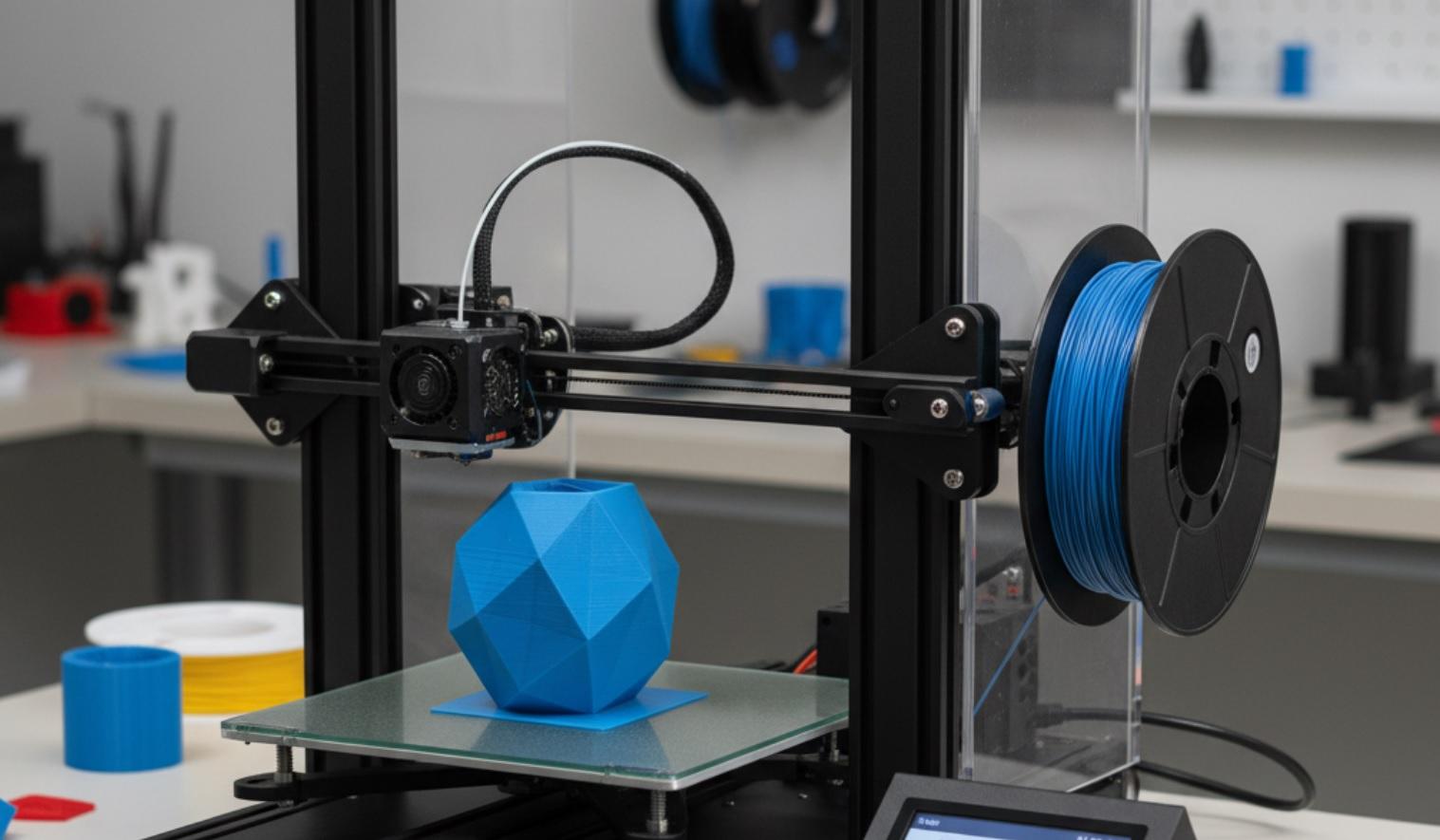
3D printers come in all shapes and sizes, and it's easy to get lost in the choices. Some are better for small repairs, others for creative projects or side businesses. This guide shows you the printers that stand out for performance, ease of use, and value, so you can pick one that works for what you want to do.
How We Chose the Best 3D Printers
We didn't just look at specs or marketing claims. We focused on printers that:
- Deliver consistent, high-quality prints
- Are easy to set up and use
- Have strong customer support and active user communities
- Offer good value for their price
- Work reliably over time-not just on day one
We also made sure to include options for both FDM (filament-based) and resin (liquid-based) printing, since each suits different needs.
Best Overall 3D Printer: Bambu Lab A1 Mini
If you want one printer that does almost everything well-fast, quiet, smart, and beginner-friendly-the Bambu Lab A1 Mini stands out. It's compact, colorful, and packed with features most printers twice its price don't offer.
Pros:
- Auto bed leveling and auto calibration-no manual tweaking needed
- Prints up to 5x faster than standard FDM printers
- Comes fully assembled and ready to print in under 10 minutes
- Includes a built-in camera for remote monitoring via smartphone
- Uses common PLA filament, so materials are cheap and easy to find
Cons:
- Small build volume (180 × 180 × 180 mm)-not ideal for large objects
- Only one extruder, so no multi-color printing out of the box
- Slightly higher price than basic entry-level models
You'll love this printer if you want to jump in quickly and get great results without hours of setup or troubleshooting. It's perfect for students, hobbyists, and anyone who values simplicity and speed.
Best Budget 3D Printer: Creality Ender 3 V3 SE
The Ender 3 series has been a favorite for years, and the V3 SE is the latest-and best-version yet. It's affordable, reliable, and surprisingly capable for its price.
Pros:
- Costs under $200 but prints like a $400 machine
- Includes auto bed leveling (a huge upgrade over older models)
- Quiet operation thanks to updated stepper drivers
- Large community support-tons of guides, mods, and tips online
- Build volume of 220 × 220 × 250 mm gives you room to grow
Cons:
- Requires partial assembly (takes about 30-60 minutes)
- No built-in camera or Wi-Fi-you'll need an SD card
- Basic interface; not as polished as premium models
If you're on a tight budget but still want solid performance, this is your best bet. Many makers start with an Ender 3 and never feel the need to upgrade.
Best Resin 3D Printer: Elegoo Mars 4 Ultra
When detail matters-like for miniatures, jewelry, or dental models-resin printing wins. The Elegoo Mars 4 Ultra delivers incredible precision with a user-friendly design.
Pros:
- 8K monochrome LCD screen for ultra-sharp prints
- Fast curing-prints in half the time of older resin printers
- Sturdy metal build and quiet operation
- Includes a wash-and-cure station in some bundles
- Reliable performance with minimal failed prints
Cons:
- Resin is messy and requires gloves, ventilation, and cleanup
- Smaller build volume (130 × 80 × 150 mm)
- Ongoing costs for resin, IPA (isopropyl alcohol), and replacement tanks
You should choose this if you need museum-level detail and don't mind the extra steps of washing and curing your prints. It's a favorite among tabletop gamers and jewelry designers.
Best for Beginners: Anycubic Kobra 2
Some printers are built for tinkerers. The Anycubic Kobra 2 is built for everyone else. It's fast, simple, and designed to just work.
Pros:
- Prints at up to 250 mm/s-much faster than average
- Leopard print head stays cool and reduces stringing
- Auto bed leveling included
- Comes 95% pre-assembled
- Great first-layer adhesion with the textured PEI spring steel sheet
Cons:
- No enclosure-limits use of materials like ABS
- No Wi-Fi or camera
- Fan noise can be noticeable during long prints
If you've never touched a 3D printer before but want something that won't frustrate you, this is a smart starting point. You'll be printing useful items within an hour of unboxing.
Best for Advanced Users: Prusa MK4
Prusa has earned a reputation for quality, and the MK4 is their most advanced FDM printer yet. It's not cheap, but it's built to last and packed with smart engineering.
Pros:
- Nextruder system allows quick nozzle changes and material swaps
- Onboard camera, Wi-Fi, and full remote control
- Exceptional print quality with minimal tuning
- Open-source software and firmware-great for customization
- Excellent customer support and documentation
Cons:
- Price is over $1,000-too much for casual users
- Larger footprint; needs dedicated space
- Overkill if you only print simple objects
You'll appreciate this printer if you run a small business, prototype regularly, or just demand the highest reliability. It's the kind of machine that pays for itself over time through consistent performance.
What About Dual Extrusion or Large Format?
Some users need special features. Dual extrusion lets you print two colors or materials at once-great for complex models. Large-format printers handle big parts like cosplay armor or drone frames.
Right now, those features usually mean spending $1,000 or more. Brands like Bambu Lab (X1 Carbon), Creality (CR-10 Smart Pro), and Artillery (Sidewinder X2) offer larger or dual-extrusion models. But for most people, the printers listed above cover 95% of real-world needs.
Conclusion
Don't chase the highest specs. Focus on what you'll actually use. A fast, reliable printer that matches your skill level and goals is always better than an expensive machine you can't control.
Also, remember that filament or resin costs add up. A $200 printer might seem cheap until you realize you're spending $50 a month on materials. Factor in long-term costs.
And never skip reading recent user reviews. A printer that was great last year might have new firmware bugs or supply issues today. Reddit, YouTube, and dedicated forums like 3D Printing subreddit or All3DP are goldmines of honest feedback.
Comparison Table: Best 3D Printers at a Glance
| Model | Type | Build Volume (mm) | Key Features | Price Range |
|---|---|---|---|---|
| Bambu Lab A1 Mini | FDM | 180 × 180 × 180 | Auto leveling, camera, fast printing, quiet | $350-$400 |
| Creality Ender 3 V3 SE | FDM | 220 × 220 × 250 | Auto leveling, budget-friendly, large community | $180-$220 |
| Elegoo Mars 4 Ultra | Resin | 130 × 80 × 150 | 8K resolution, fast curing, metal build | $300-$350 |
| Anycubic Kobra 2 | FDM | 220 × 220 × 250 | 250 mm/s speed, easy setup, great first layer | $250-$280 |
| Prusa MK4 | FDM | 250 × 210 × 220 | Wi-Fi, camera, Nextruder, open-source | $1,000-$1,100 |
Use this table to quickly compare size, price, and standout features. Choose a printer based on what you need to do, how much you want to spend, and the space you have - not on online popularity.


