




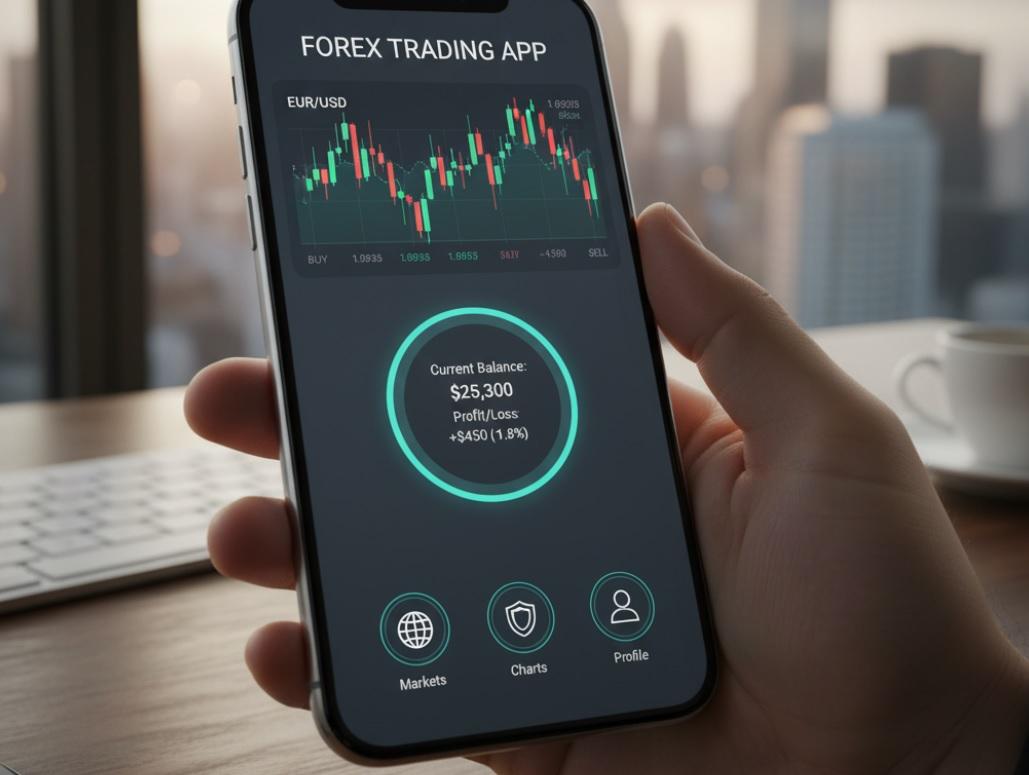
Forex trading can seem confusing at first. With so many options and fast-moving markets, it helps to have a trading app that’s easy to use and reliable. This guide looks at the best apps for beginners, showing which ones make learning and trading simpler.
What Makes a Forex App Good for Beginners?
Not every trading platform suits new traders. You need something that doesn't assume you already know everything about currency pairs, leverage, or pips. A beginner-friendly app should offer clear charts, simple navigation, educational content, and low-risk ways to practice. It should also be stable-nobody wants their app crashing during a trade.
Here's what to look for:
- Easy-to-read interface - No clutter, no confusing menus.
- Demo account - Lets you practice with fake money before risking real cash.
- Educational resources - Videos, articles, or in-app tips that explain how things work.
- Low minimum deposit - You shouldn't need hundreds of dollars just to start.
- Responsive customer support - Help should be quick and clear when you get stuck.
Top Forex Trading Apps for New Traders
1. MetaTrader 4 (MT4)
MetaTrader 4 is one of the most widely used platforms in the world. Many brokers support it, and it's known for its reliability. While it might look a bit technical at first glance, it's actually quite beginner-friendly once you get used to it.
MT4 gives you access to real-time charts, technical indicators, and the ability to place different types of orders. You can also download expert advisors (automated trading bots), though as a beginner, it's better to focus on learning manual trading first.
Most brokers that offer MT4 also provide a free demo account. That means you can test everything without spending a cent.
Pros:
- Free to use with any supporting broker
- Huge community and tons of online tutorials
- Stable performance and fast execution
- Available on iOS, Android, and desktop
Cons:
- Interface feels a bit outdated
- Some features may confuse total beginners
- Limited built-in educational content
2. eToro
eToro stands out because of its social trading feature. You can watch what experienced traders are doing and even copy their trades automatically. This is a great way to learn by example without needing to make every decision yourself.
The app itself is clean, modern, and very intuitive. Everything is clearly labeled, and you won't get lost trying to find your account balance or open positions. eToro also offers a solid demo account with $100,000 in virtual funds.
Besides forex, you can trade stocks, crypto, and commodities-all from the same app. That makes it a good all-in-one choice if you plan to explore other markets later.
Pros:
- Excellent for learning through copying others
- Very user-friendly design
- No commission on forex trades
- Strong educational section with webinars and guides
Cons:
- Spreads can be slightly higher than average
- Limited advanced charting tools
- Not ideal for high-frequency or scalping strategies
3. Plus500
Plus500 offers a clean, straightforward trading experience. The app loads quickly, executes trades fast, and keeps things simple. If you're someone who gets distracted by too many buttons and options, Plus500 might be perfect for you.
It uses Contracts for Difference (CFDs), which means you're speculating on price movements rather than owning the actual currency. This is common in retail forex trading, but make sure you understand how CFDs work before you start.
The platform includes a risk management tool that shows your potential profit or loss before you confirm a trade. That's a big help when you're still learning how position size and leverage affect your account.
Pros:
- Simple and fast interface
- Free demo account with unlimited virtual funds
- Strong focus on risk warnings and responsible trading
- No dealing desk-your trades go straight to the market
Cons:
- Limited educational resources
- No support for automated trading or custom indicators
- Fewer currency pairs compared to other platforms
4. IG Trading
IG has been around since 1974, and its app reflects decades of experience. It's packed with tools but still manages to stay organized. The layout is logical, and you can customize your dashboard to show only what matters to you.
One of IG's biggest strengths is its educational content. From beginner courses to market analysis videos, you'll find plenty of material to help you understand not just how to trade, but why certain moves make sense.
The app also offers advanced charting through integration with ProRealTime, but you can stick to basic charts if you prefer. IG supports a wide range of currency pairs and lets you trade with tight spreads.
Pros:
- Excellent learning resources
- Highly regulated and trustworthy
- Great charting and analysis tools
- Multiple account types for different experience levels
Cons:
- Can feel overwhelming at first
- Minimum deposit is higher than some competitors
- Advanced features might distract new users
5. Forex.com
Forex.com is built by a company that specializes only in forex and CFDs. That focus shows in the quality of their platform. The app gives you real-time news, economic calendars, and smart tools like pattern recognition on charts.
Beginners will appreciate the guided walkthroughs and the clear layout. You can start with a small deposit, and the demo account never expires. That's rare-most brokers limit demo access to 30 or 90 days.
Forex.com also offers negative balance protection, which means you can't lose more than you deposit. This is a crucial safety net when you're still learning how to manage risk.
Pros:
- Forever-active demo account
- Strong research and market insights
- Regulated in multiple countries
- Good mobile performance and reliability
Cons:
- Customer service response can be slow
- Fewer social or community features
- Interface isn't as sleek as eToro or Plus500
How to Choose the App
Your best choice depends on your personality and goals. If you learn by watching others, eToro's copy-trading is a huge plus. If you prefer studying charts and making your own decisions, MT4 or IG might suit you better. If simplicity is your top priority, Plus500 keeps things clean and focused.
Don't rush. Try at least two or three demo accounts before you fund a real one. Spend a week or two on each. See which one feels natural to use. Pay attention to how fast orders execute, how easy it is to close a trade, and whether the app crashes or lags.
Also, check the broker behind the app. Make sure they're regulated by a respected authority like the FCA (UK), ASIC (Australia), or CySEC (Cyprus). Regulation doesn't guarantee profits, but it does mean the broker follows strict rules about how they handle your money.
Useful Tips
Start small. Even if an app lets you trade with tiny amounts, begin with the smallest position size possible. Get comfortable with wins and losses before increasing your risk.
Keep a trading journal. Write down why you entered a trade, what happened, and what you learned. Over time, this helps you spot patterns in your behavior-both good and bad.
Avoid "get rich quick" thinking. Forex trading takes time, practice, and discipline. The apps listed here give you a strong foundation, but success comes from consistent learning, not magic buttons.
Comparison Table: Best Forex Apps for Beginners
| App | Demo Account | Min. Deposit | Educational Content | Best For |
|---|---|---|---|---|
| MetaTrader 4 | Yes (broker-dependent) | $0-$100 (varies) | Limited | Learning technical analysis |
| eToro | Yes ($100,000 virtual) | $50 | Excellent | Social and copy trading |
| Plus500 | Yes (unlimited) | $100 | Basic | Simple, fast trading |
| IG Trading | Yes | $250 | Outstanding | Education and research |
| Forex.com | Yes (no expiry) | $100 | Good | Long-term practice and analysis |
Remember, the goal isn't to find the "perfect" app right away. It's to find one that helps you build good habits, understand the market, and trade responsibly. Give yourself time. The best traders weren't born knowing how to read candlestick charts-they learned, practiced, and kept improving.


