




Thinking about getting a 3D printer? That's exciting! You can use it to make toys, custom parts, or even start a small business. With many models, features, and prices to choose from, it helps to know the basics first. This guide explains what you should look for before buying your first or next 3D printer.
Why Do You Want a 3D Printer?
Before you even look at specs or prices, ask yourself this: what will you actually use it for? Your answer will shape almost every other decision you make.
- Hobbyist projects: Printing figurines, phone stands, or simple household fixes.
- Educational use: Learning how things work, experimenting with design, or helping kids with school projects.
- Professional work: Creating prototypes, architectural models, or custom tools.
- Small business: Selling printed items online or offering printing services.
Each of these goals points toward different types of printers. A hobbyist might be happy with a basic, budget-friendly model. Someone running a business will likely need something faster, more reliable, and capable of higher-quality output.
Types of 3D Printers
Not all 3D printers work the same way. The two most common technologies for home and small-business users are FDM and resin printing. Let's break them down.
FDM (Fused Deposition Modeling)
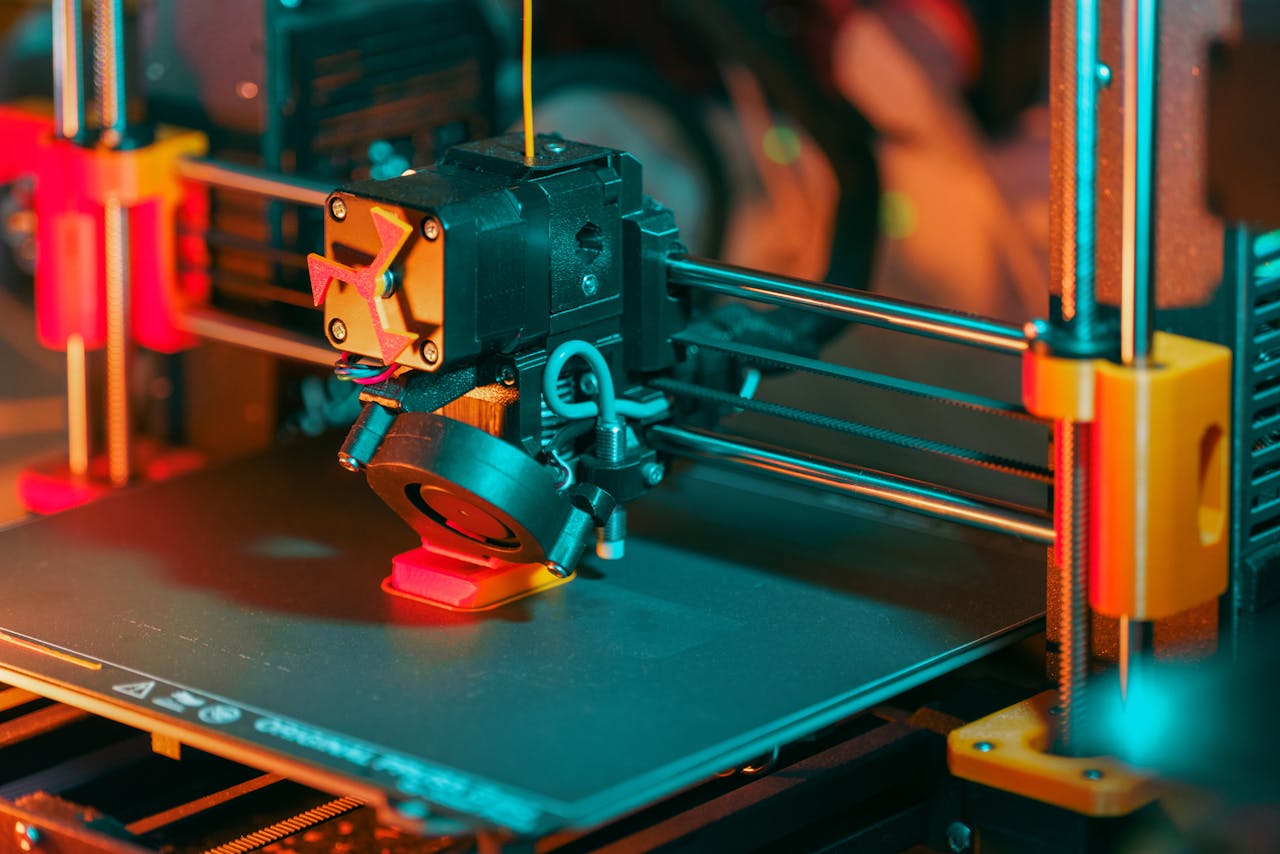
FDM printers melt plastic filament and squeeze it through a nozzle, building your object layer by layer. They're the most common type you'll see in homes, schools, and small workshops.
Pros:
- Affordable entry price
- Easy to use and maintain
- Wide range of materials (PLA, ABS, PETG, TPU, etc.)
- Generally safer-no toxic chemicals involved
Cons:
- Lower detail compared to resin
- Visible layer lines on finished prints
- Slower for high-detail work
Resin (SLA/DLP/LCD) Printers
Resin printers use a vat of liquid photopolymer resin that hardens when exposed to UV light. A laser or screen cures each layer precisely.
Pros:
- Extremely high detail and smooth surfaces
- Great for miniatures, jewelry, dental models, and fine art
- Faster for small, detailed prints
Cons:
- More expensive per print (resin costs add up)
- Requires careful handling-resin is toxic and messy
- Post-processing is more involved (washing, curing, etc.)
- Smaller build volume on most models
If you're just starting out and want something simple, go with FDM. If you need museum-level detail for tiny models or dental work, consider resin-but be ready for extra steps and safety gear.
Key Features to Compare
Once you've picked a printing technology, it's time to compare specific models. Here are the most important features to look at.
Build Volume
This is the maximum size of object your printer can make in one go. It's listed as width × depth × height (for example, 220 × 220 × 250 mm).
If you plan to print large items-like cosplay armor or furniture parts-you'll need a bigger build volume. Most entry-level printers max out around 200-220 mm in each direction. Larger printers exist, but they cost more and take up more space.
Print Quality (Layer Height)
Layer height is measured in microns (µm). Lower numbers mean finer detail. Most printers can go as low as 50-100 µm.
But don't obsess over the lowest number. For many projects, 200 µm looks perfectly fine and prints much faster. Only go ultra-fine if you really need it-like for tiny gears or detailed faces.
Auto Bed Leveling
Leveling the print bed is one of the trickiest parts of 3D printing. If it's not level, your first layer won't stick, and the whole print fails.
Many modern printers include auto bed leveling (ABL). A sensor scans the bed and adjusts the nozzle height automatically. This saves time and frustration-especially for beginners. If you see a printer without ABL, think twice unless you enjoy manual tweaking.
Enclosure
An enclosure is a box that surrounds the print area. It helps maintain a stable temperature, which is crucial when printing with materials like ABS that warp easily.
Some printers come with built-in enclosures. Others let you add one later. If you plan to use anything beyond basic PLA, an enclosure is worth considering.
Connectivity Options
How will you send files to your printer? Common options include:
- USB cable
- SD card or USB drive
- Wi-Fi (for remote monitoring and control)
Wi-Fi is handy if you want to start prints from your phone or check progress while you're away. But it's not essential-many users just use an SD card.
Noise Level
3D printers aren't silent. Stepper motors, fans, and moving parts create noise-sometimes enough to be annoying in a bedroom or office.
If you'll keep the printer in a shared space, look for models known for quiet operation. Some even have silent stepper drivers built in.
Budget Considerations
Prices range from under $200 to over $2,000. Here's a rough breakdown:
Under $300
You'll find basic FDM printers here. They often require assembly and may lack features like auto bed leveling. Good for learning, but expect some trial and error.
$300-$600
This is the sweet spot for most home users. You get reliable performance, better build quality, and useful features like ABL and touchscreen controls.
$600-$1,200
Higher-end FDM printers or entry-level resin printers. Faster, more precise, and often ready to use out of the box.
$1,200+
Professional-grade machines. Large build volumes, dual extruders, advanced software, and industrial reliability. Only consider this range if you have serious printing needs.
Remember: the printer isn't your only cost. Factor in filament or resin, replacement nozzles, build plates, and maybe a ventilation setup for resin printing.
Top Brands to Consider
Not all brands are equal. Some focus on affordability, others on reliability or innovation. Here are a few trusted names:
- Creality: Popular for budget-friendly FDM printers like the Ender 3 series.
- Anycubic: Offers both FDM and resin printers with good value.
- Elegoo: Known for high-quality resin printers at fair prices.
- Prusa: Premium FDM printers with excellent support and open-source software.
- Bambu Lab: Newer brand with fast, smart printers that auto-calibrate and monitor prints.
Read recent reviews before buying. A model that was great two years ago might have newer, better alternatives today.
Software and Slicing
Your 3D printer doesn't understand 3D models directly. You need slicing software to convert a model into step-by-step printing instructions.
Most printers work with free programs like Cura, PrusaSlicer, or Lychee (for resin). Some brands include their own software, which may offer extra features.
Good slicing software makes a big difference. Look for one that's easy to learn but also gives you control over settings like speed, temperature, and support structures.
Space and Setup
Where will you put your printer? Measure your space before buying.
FDM printers need a flat, stable surface. Vibration or tilting can ruin prints. Resin printers need good ventilation and a place to store resin safely away from sunlight and kids.
Also consider setup time. Some printers arrive fully assembled. Others come as kits you build yourself. Building a kit can be fun and educational-but if you just want to print, go pre-assembled.
Maintenance and Reliability
3D printers have moving parts, hot ends, and electronics. They need occasional cleaning, lubrication, and part replacement.
Check how easy it is to find replacement parts. A printer with a large user community means more tutorials, mods, and spare parts online.
Also, look at warranty length and customer support. A cheap printer with no support can become an expensive paperweight if something breaks.
Conclusion
- Watch real user reviews on YouTube. See how the printer performs over weeks or months, not just unboxing day.
- Join online communities. Reddit, Facebook groups, and forums are full of people who've made the same choice you're about to make.
- Start simple. Don't buy the most advanced model just because it looks cool. Master the basics first.
- Think long-term. Will this printer still meet your needs in a year? Or will you outgrow it quickly?
Frequently Asked Questions (FAQ)
Do I need to know how to design 3D models to use a 3D printer?
No. You can download free models from sites like Thingiverse, Printables, or Cults3D. Many people never design their own-they just print what others have shared.
How long does it take to learn 3D printing?
You can print your first object in a day. But mastering good results-smooth surfaces, strong parts, tricky overhangs-takes weeks or months of practice.
Is 3D printing expensive?
It depends. Filament costs about $20 per kilogram. A small print might use only a few cents worth. Resin is pricier, around $30-$50 per liter. Factor in electricity and occasional part replacements too.
Can I leave my 3D printer running overnight?
Many people do, but it's not 100% safe. Fires are rare but possible if something goes wrong. Use a smoke detector nearby, never cover the printer, and consider a camera to monitor it remotely.
What's the easiest 3D printer for beginners?
Models like the Creality Ender 3 V3 SE, Anycubic Kobra 2, or Bambu Lab A1 Mini are known for being beginner-friendly with good reliability and clear instructions.
Do I need a computer to use a 3D printer?
Not always. Many printers accept files from an SD card or USB drive. But you'll need a computer (or phone) to slice models before printing.


